
Set Your Password/PIN
🌐 Go to Our Catalog
You can browse without logging into the site. Just type your subject, title, or author into the search bar at the top of the page. If you want to access your library account or place a hold, you will need to login.
🔑Go to our Catalog: https://tenv.agverso.com/home?cid=tenv&lid=sequatchie
🔑 Click on “Please Login” in the upper right corner of the page.
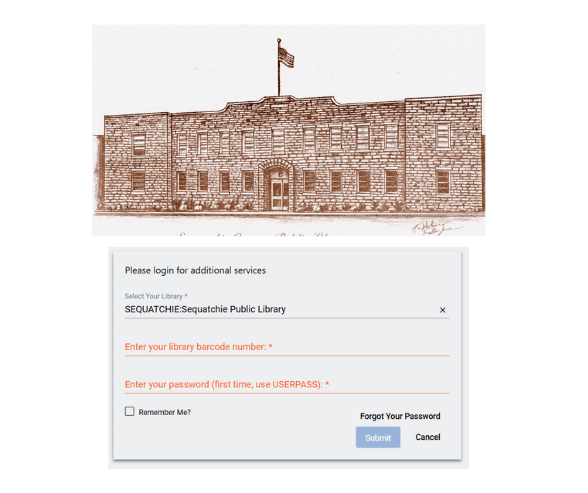
🏷️ Select Your Library* Choose: SEQUATCHIE: Sequatchie Public Library
🆔 Enter Your Library Card Barcode
Type the letters and numbers exactly as they appear on the back of your card.
If your library card number starts with 2SC, it will have several zeros after the letters, followed by a series of numbers. There should be 11 digits after the letters. Use the examples below to help identify your card number:
— 2SC0000000XXXX (7 zeros, 4 other numbers)
— 2SC00000000XXX (8 zeros, 3 other numbers)
🔐 Enter Your Password
If it’s your first time logging in, use USERPASS
All Caps. No Spaces. No Punctuation.
❓ Forgot Your Password?
Click the “Forgot Your Password” link. If you do not have an email on file with us, this will not work for you. We can reset you password at the library.
📞🏛️ Need More Help?
If you need assistance resetting your password, call or stop by the library. Our staff cannot view your password, but we can reset it to USERPASS for you.
Extra Help or Walk-Through?
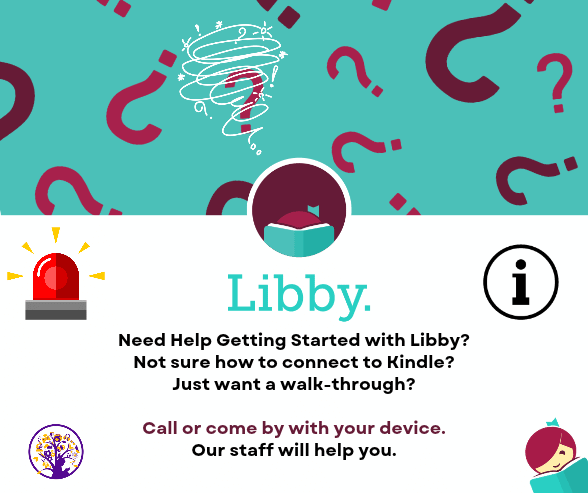
📚💙 NEED A LITTLE HELP WITH LIBBY? WE’RE HERE FOR YOU! 💙📱
Have you heard about Libby but aren’t quite sure how to get started? Maybe you’ve downloaded the app but aren’t sure how to sign in, connect your Kindle, find your next great read, or download an audiobook. Or maybe you’d just like someone to walk you through it step by step!
Whatever the question, we’re happy to help! 🥰
Our library staff can help you:
📖 Get started with the Libby app
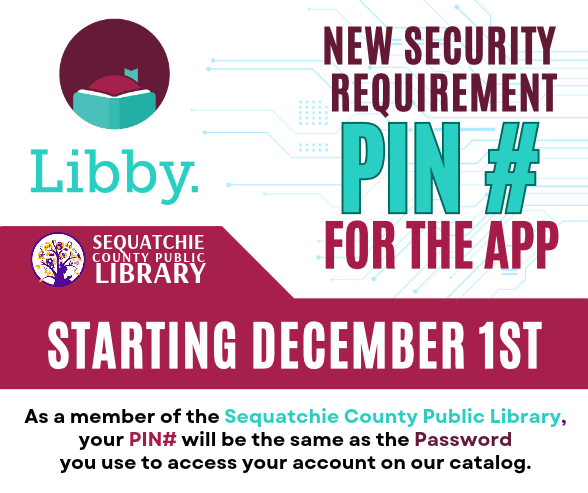
📱 Sign-in using your library card & PIN
📚 Browse and borrow eBooks and audiobooks
📲 Download books to your device
📖 Learn how to send books to your Kindle
💡 Explore Libby’s features and make the most of your library card!
All you need to do is call or stop by the Sequatchie County Public Library and bring your device! Our staff will be glad to walk you through the process and help you feel more comfortable using Libby.
You don’t have to figure it out alone. Your library is here to help! 💙
Happy reading (and listening)! 📚🎧